JobIQ logo on a glass office wall with staff working at desks behind it

JobIQ: Enterprise Field Operations, Timekeeping, Training, and Workforce Oversight

JobIQ unifies scheduling, training compliance, timekeeping, job oversight, employee communication, and field reporting into one operational platform built for industrial and contractor environments.

One platform for
  • Scheduling
  • Training compliance
  • Timekeeping
  • Job oversight
  • Employee communication
  • Field reporting

Browse the JobIQ operating system

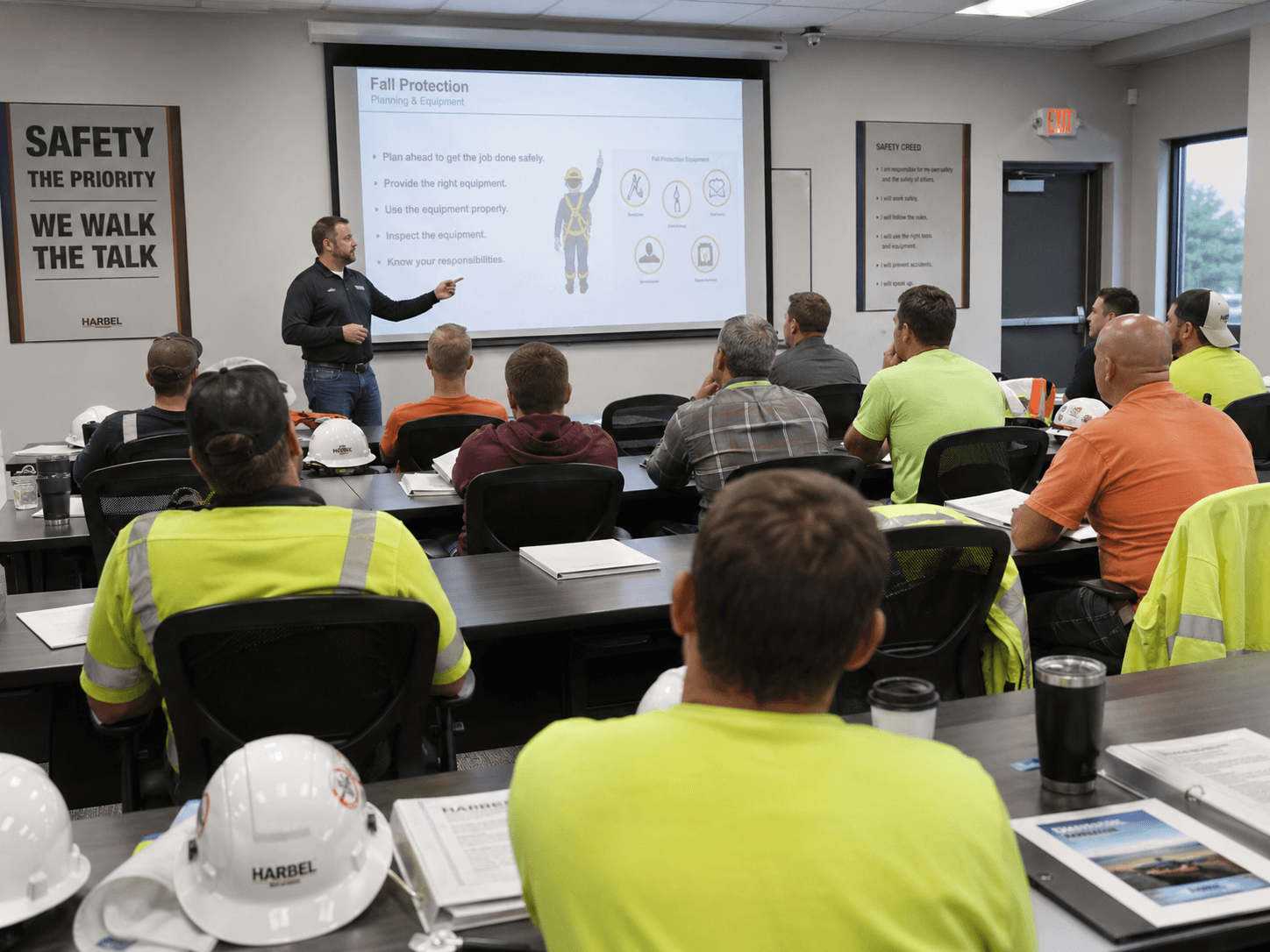
Industrial safety training class for JobIQ training compliance workflows

Training Compliance

Compliance

Track employee qualifications and ensure only properly trained personnel are assigned.

  • Training matrix visibility
  • Expiration tracking
  • Job requirement checks
  • Assignment compliance validation
  • Employee training history
  • Supervisor review workflows
View Training Compliance →
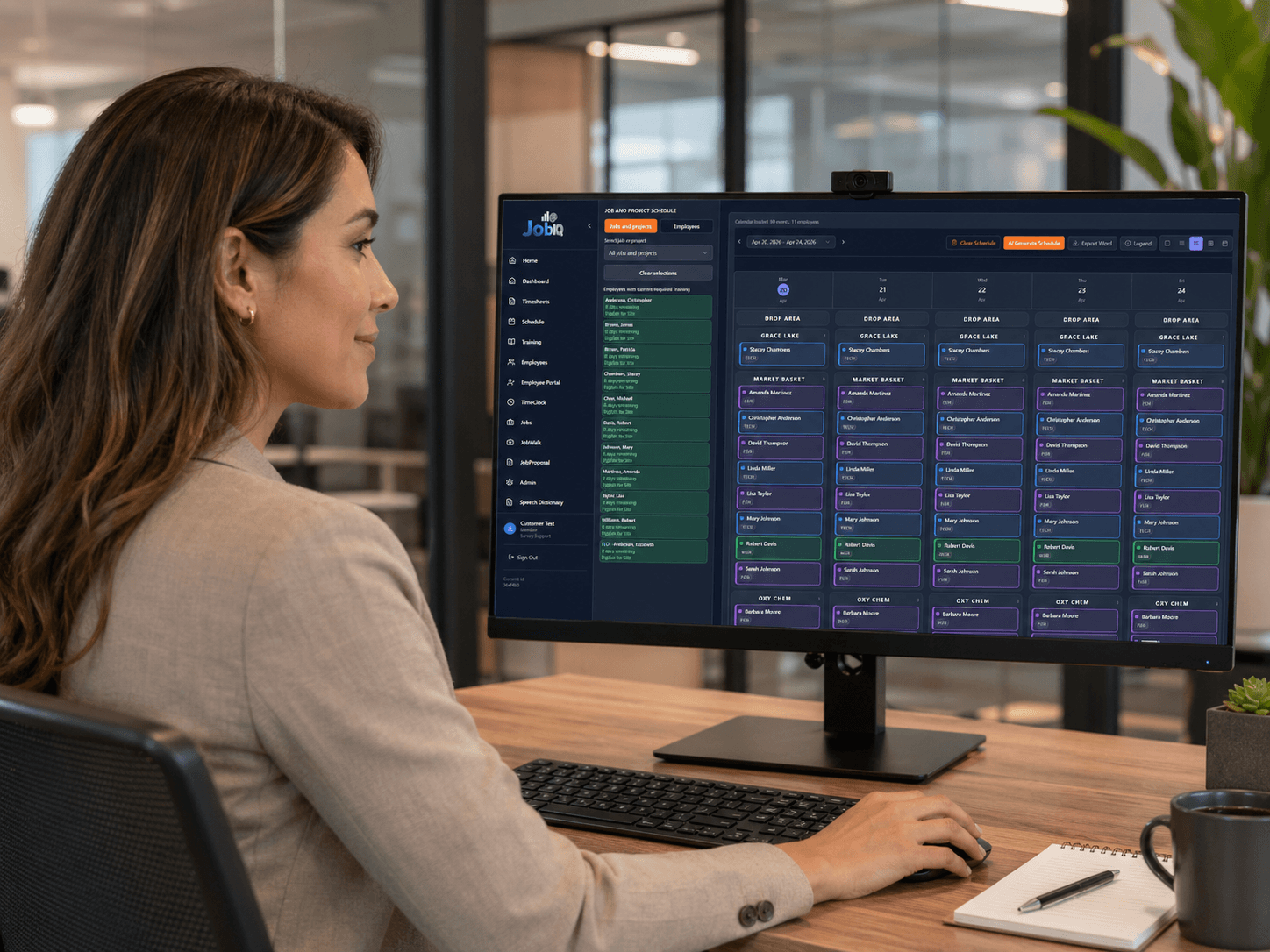
JobIQ scheduling dashboard displayed on an office monitor

Scheduling

Workforce Planning

Assign employees to jobs, crews, and workdays with operational visibility.

  • Job-based scheduling
  • Employee assignment tracking
  • Crew planning
  • Schedule conflict visibility
  • Supervisor review
  • Future-ready AI/voice scheduling support
View Scheduling →
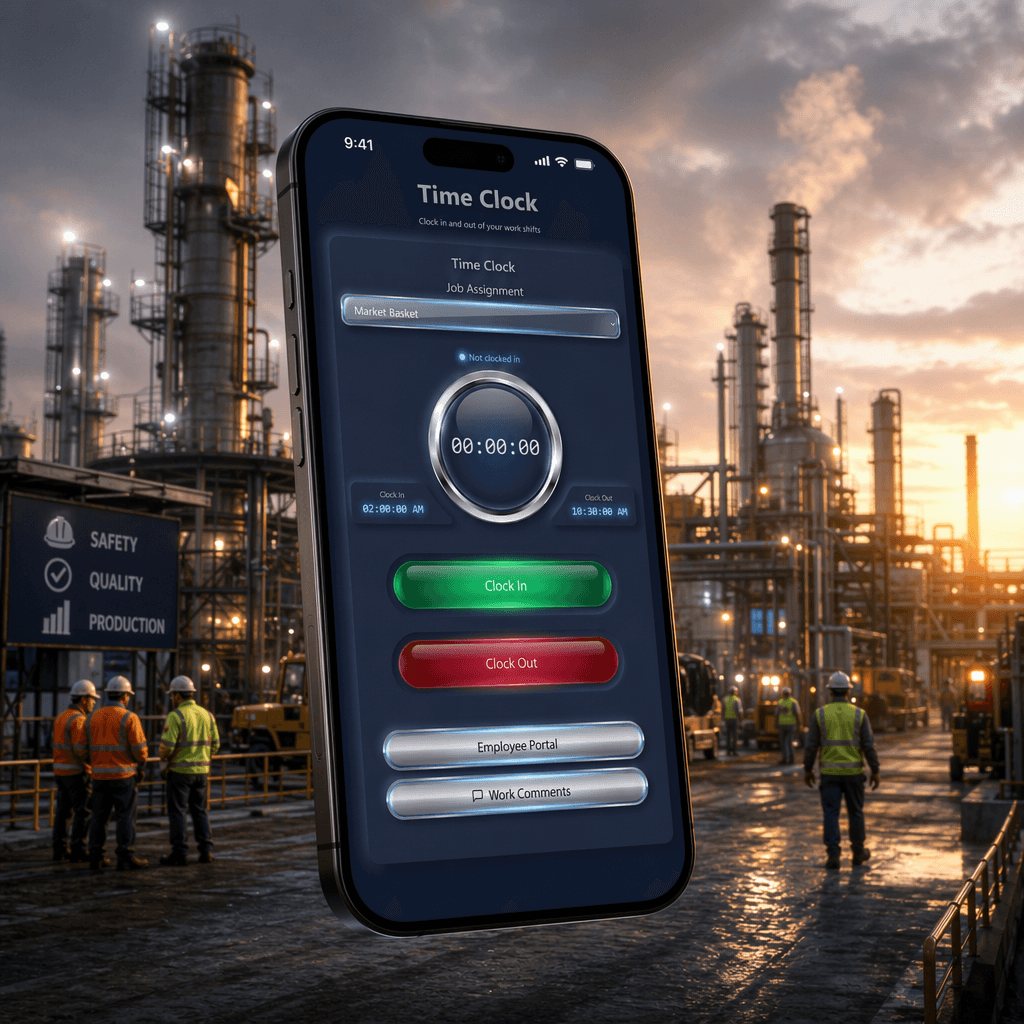
JobIQ time clock mobile interface shown over an industrial jobsite

Time Clock

Timekeeping

Mobile and web-based time capture designed for jobsite accountability.

  • iOS time clock experience
  • Manual clock-in and clock-out support
  • Job assignment selection
  • Location capture at clock action
  • Manager review visibility
  • Offline-ready workflow support
View Time Clock →
JobIQ timesheet review workflow between office staff and field employee

Timesheets

Approvals

Convert time clock activity into reviewable timesheets with traceability.

  • Daily and weekly time records
  • Job-linked time entries
  • Manager approval workflow
  • Exception review
  • Audit-ready historical records
  • Payroll export readiness
View Timesheets →
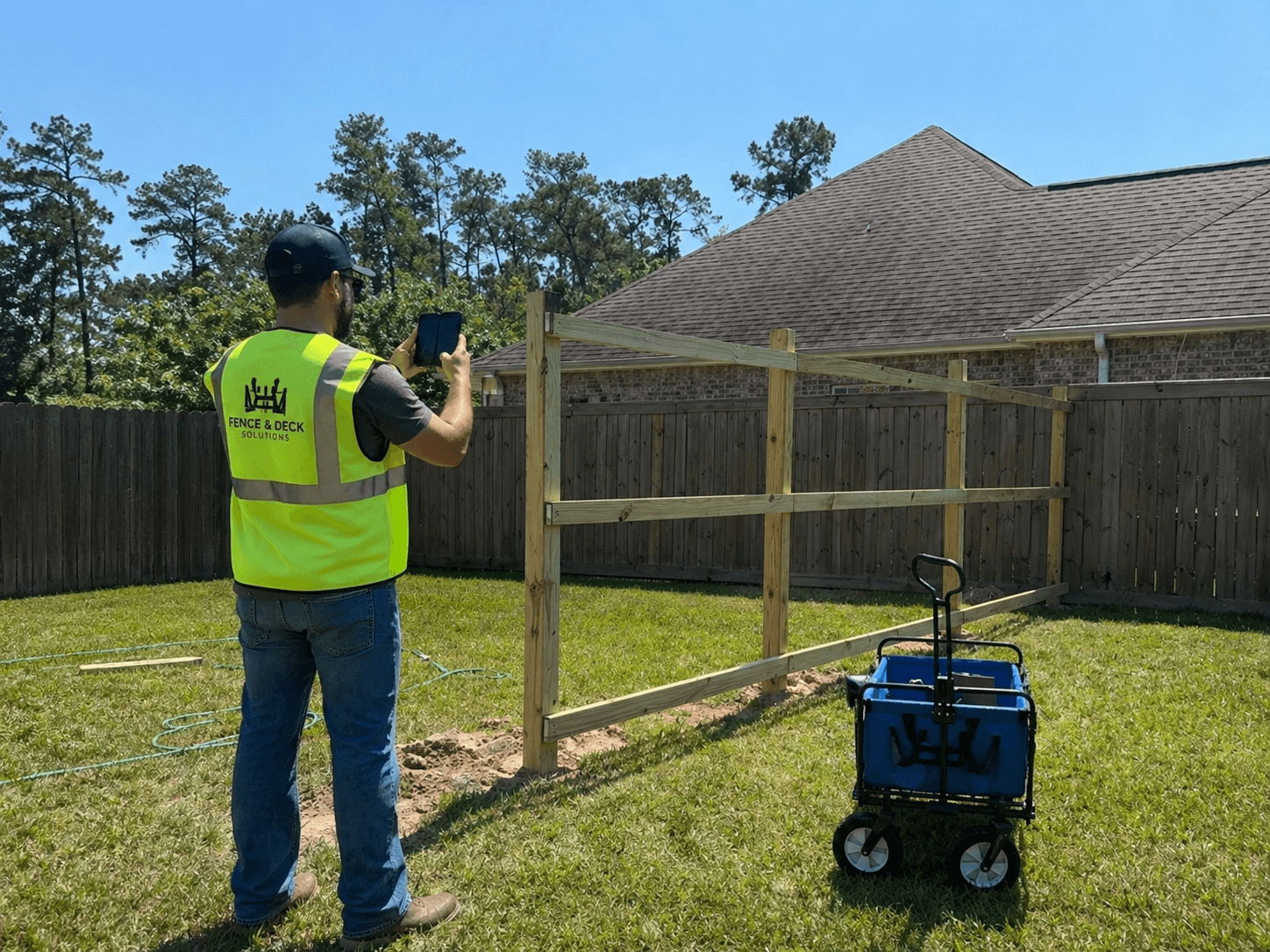
Field worker capturing job walk photos with a mobile device at a jobsite

Job Walks / Field Walkthroughs

Field Capture

Capture jobsite observations using photos, notes, and dictation workflows.

  • Photo-supported walkthrough records
  • Dictation-driven notes
  • Jobsite observation history
  • Issue tracking
  • Supervisor review
  • Mobile-first field capture
View Job Walks / Field Walkthroughs →
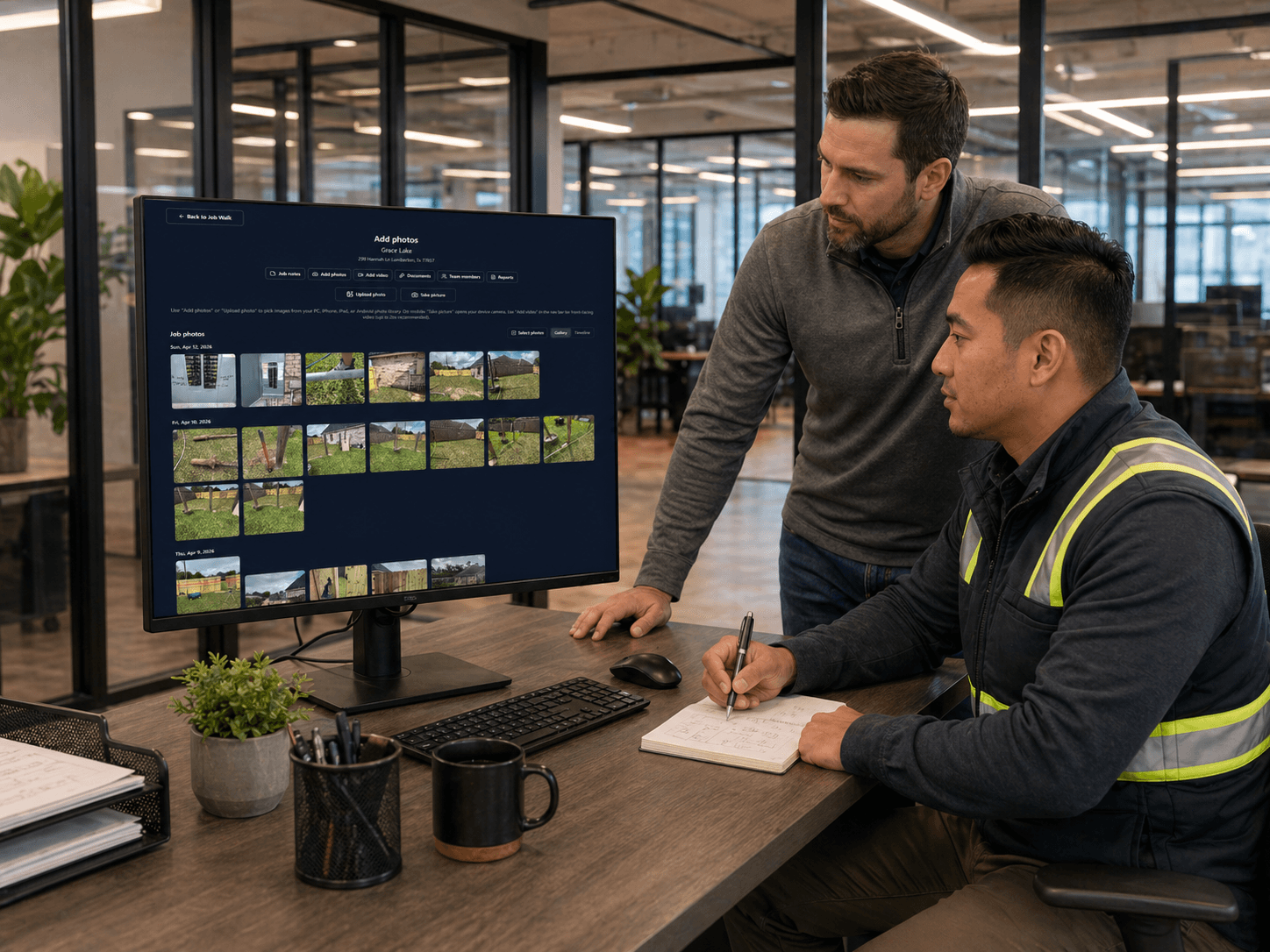
JobIQ job oversight review of field walkthrough photos and notes

Job Oversight

Operations Command

Give managers a live operational view of jobs, employees, schedules, and field activity.

  • Active job visibility
  • Assigned employee tracking
  • Timekeeping status
  • Training compliance awareness
  • Field activity review
  • Operational dashboard views
View Job Oversight →
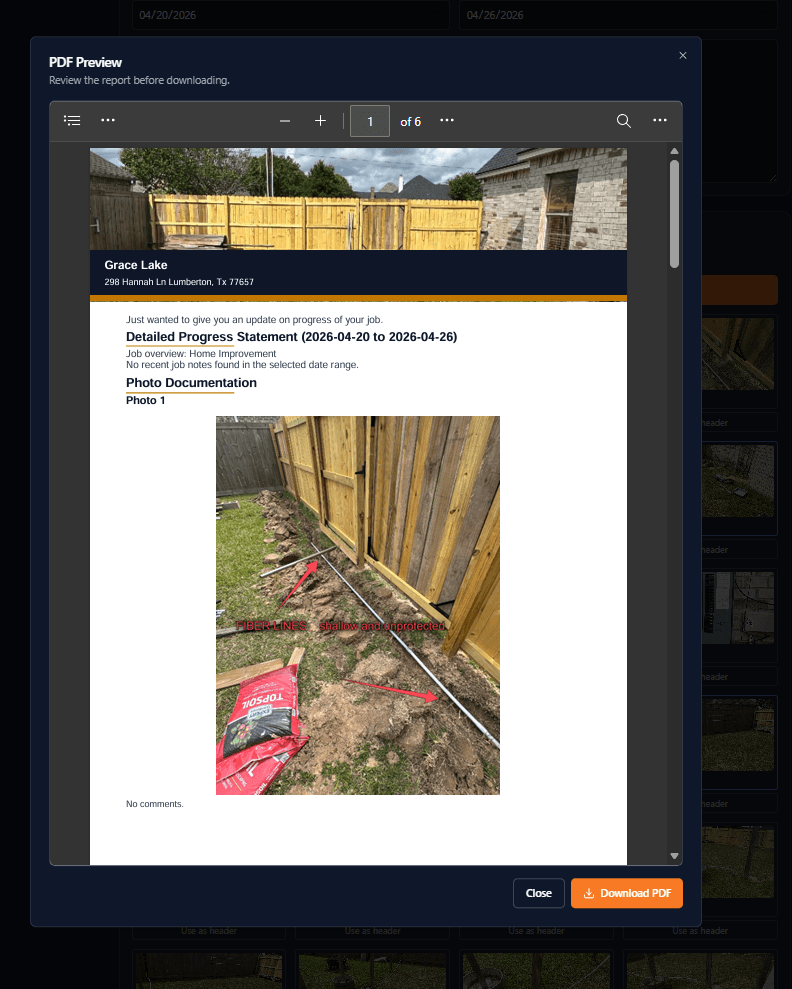
JobIQ PDF progress report preview with photo documentation

Reporting and Analytics

Operational Intelligence

Turn operational activity into actionable reporting for managers and executives.

  • Labor visibility
  • Timekeeping trends
  • Training compliance reporting
  • Job performance summaries
  • Exception reporting
  • Export-ready datasets
View Reporting and Analytics →
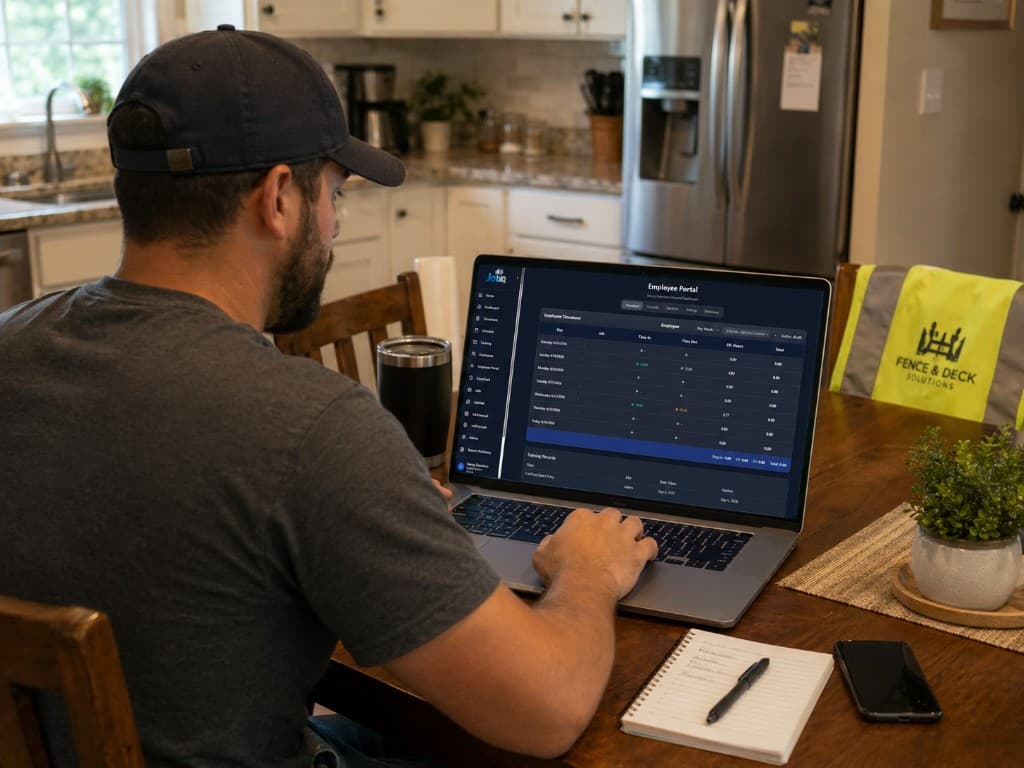
Employee reviewing the JobIQ employee portal on a laptop

Employee Portal

Workforce Access

Provide employees a centralized place to view schedules, time records, training, and job information.

  • Schedule access
  • Timesheet visibility
  • Training status
  • Profile information
  • Job communication
  • Mobile-friendly access
View Employee Portal →
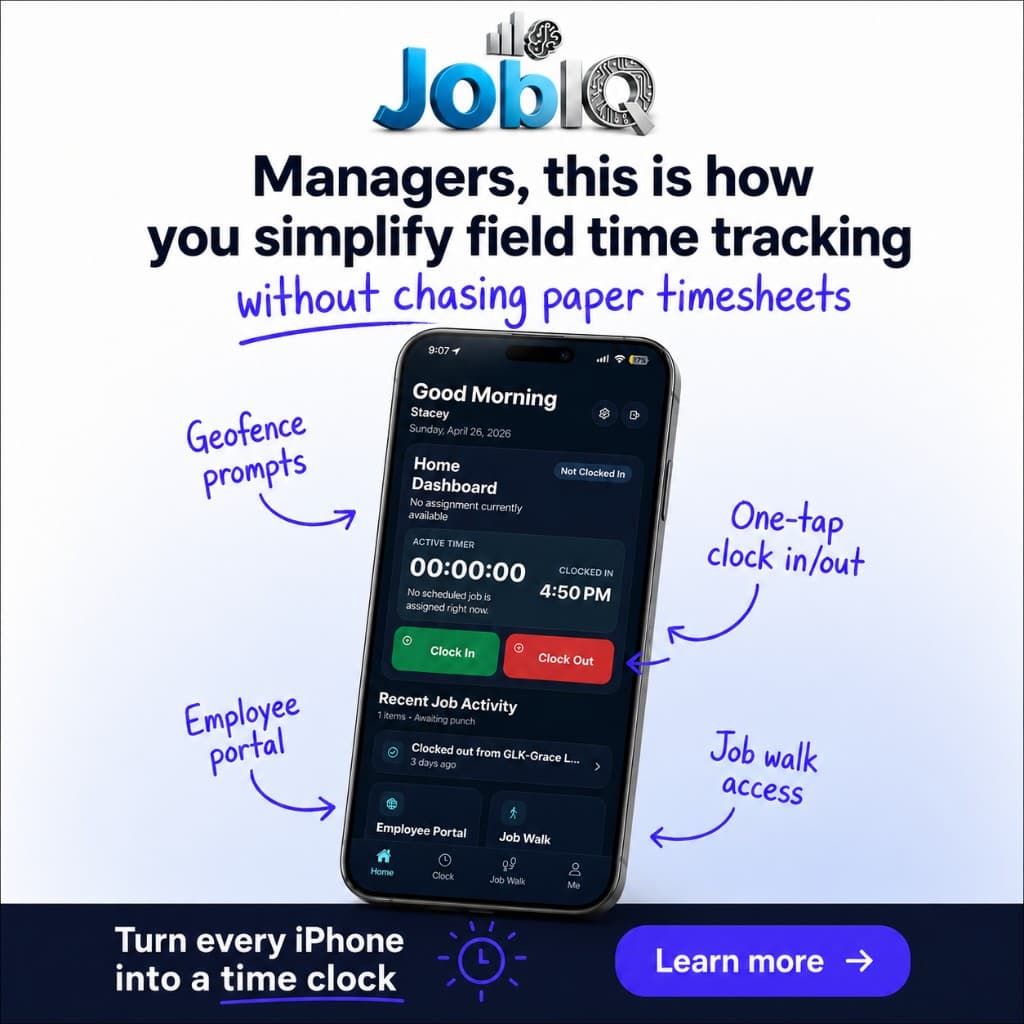
JobIQ mobile app time tracking promo with iPhone dashboard

iOS Mobile App

Mobile Field Work

Purpose-built mobile experience for field workers and supervisors.

  • iOS app experience
  • Time clock interface
  • Schedule reference
  • Field walkthrough capture
  • Push notification readiness
  • Branded customer experience
View iOS Mobile App →
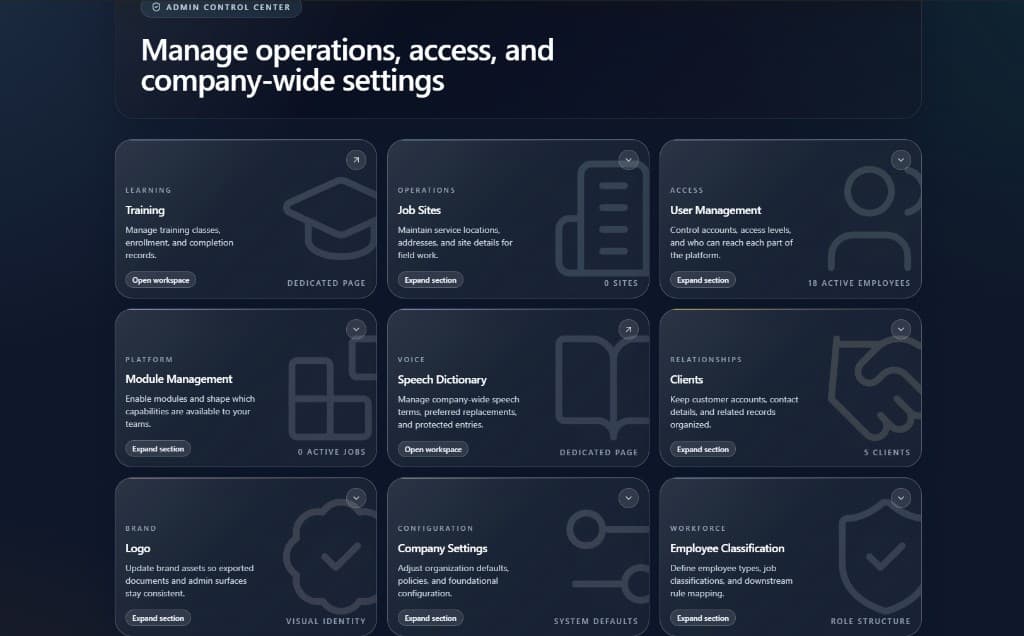
JobIQ admin control center for managing operations access and settings

Admin and Configuration

Platform Controls

Configure customers, jobs, employees, roles, workflows, and operational rules.

  • Multi-tenant structure
  • Role-based access control
  • Customer configuration
  • Job setup
  • Employee management
  • Audit-friendly administrative controls
View Admin and Configuration →

Each module works alone and together

Plan and qualify

Assign the right people to the right jobs, with training status visible before crews are finalized.

Capture in the field

Time, walkthroughs, schedules, and job information stay within reach of the people on site.

Approve and oversee

Managers review time, spot exceptions, report on performance, and control how the platform is configured.

Ready to review JobIQ for your operation?

Bring scheduling, compliance, timekeeping, and field reporting into one connected workflow for managers, supervisors, and field teams.