GateKeeper logo: a bronze knight holding a key over a gate, in front of a castle

GateKeeper: GateKeeper Secure Console

Internal badge workflow behind the secure firewall. The Secure Console is the facility workspace for managing badge requests, approvals, issuance, updates, and audit reporting while external companies stay in the portal layer.

Facility workspace
  • Internal processing stays behind the firewall
  • Approvals and issuance remain facility-controlled
  • Audit reporting stays available to the facility

What the console covers

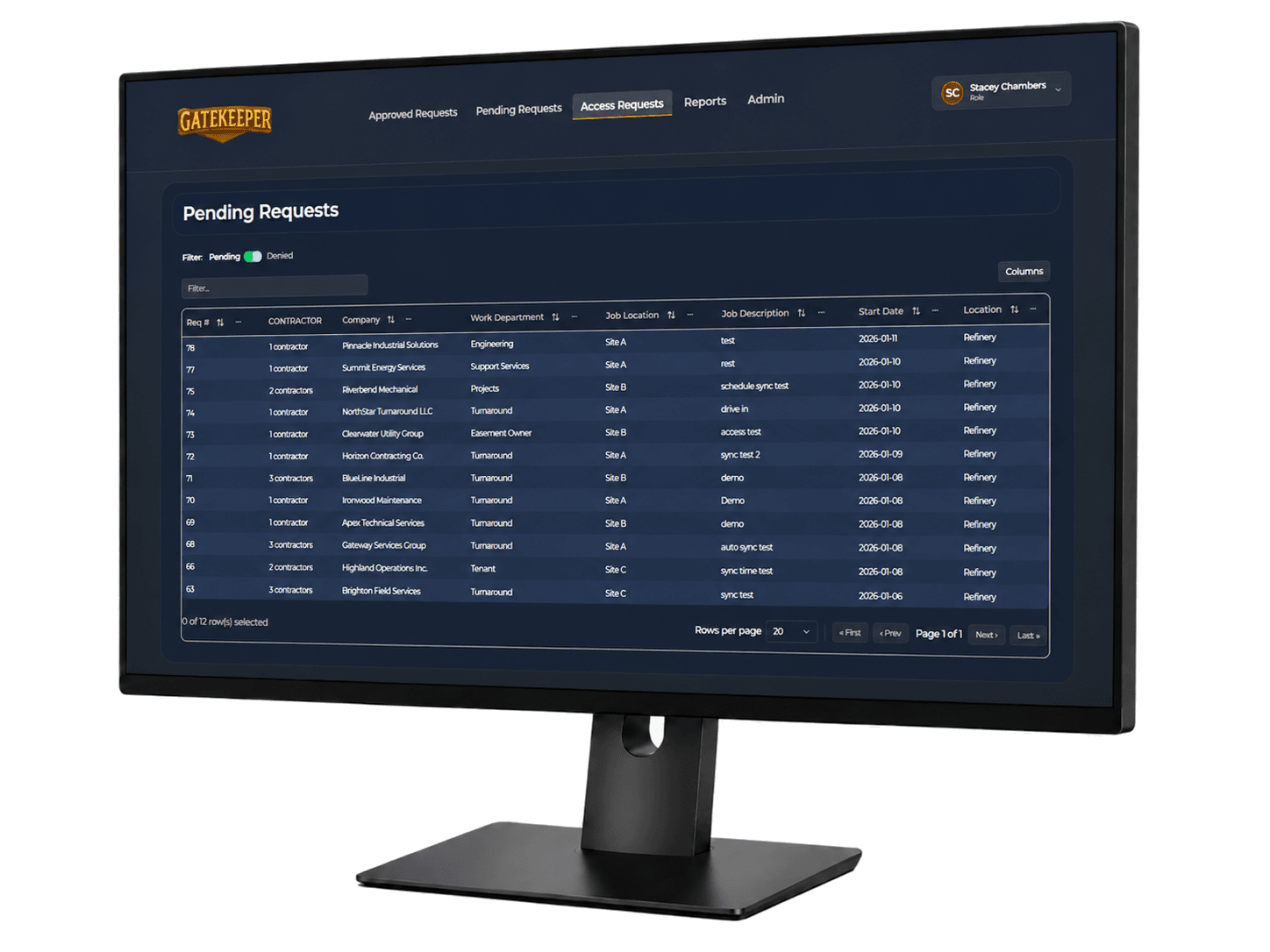
GateKeeper pending requests console

Pending Requests

Approval control

Review badge requests from inside the protected facility workflow. Approvers work from a focused pending queue that keeps submitted requests, request details, and approval decisions inside the secure console.

  • Review submitted badge requests
  • Open request details for manager decisions
  • Approve, reject, or return requests
  • Maintain facility control of approval decisions
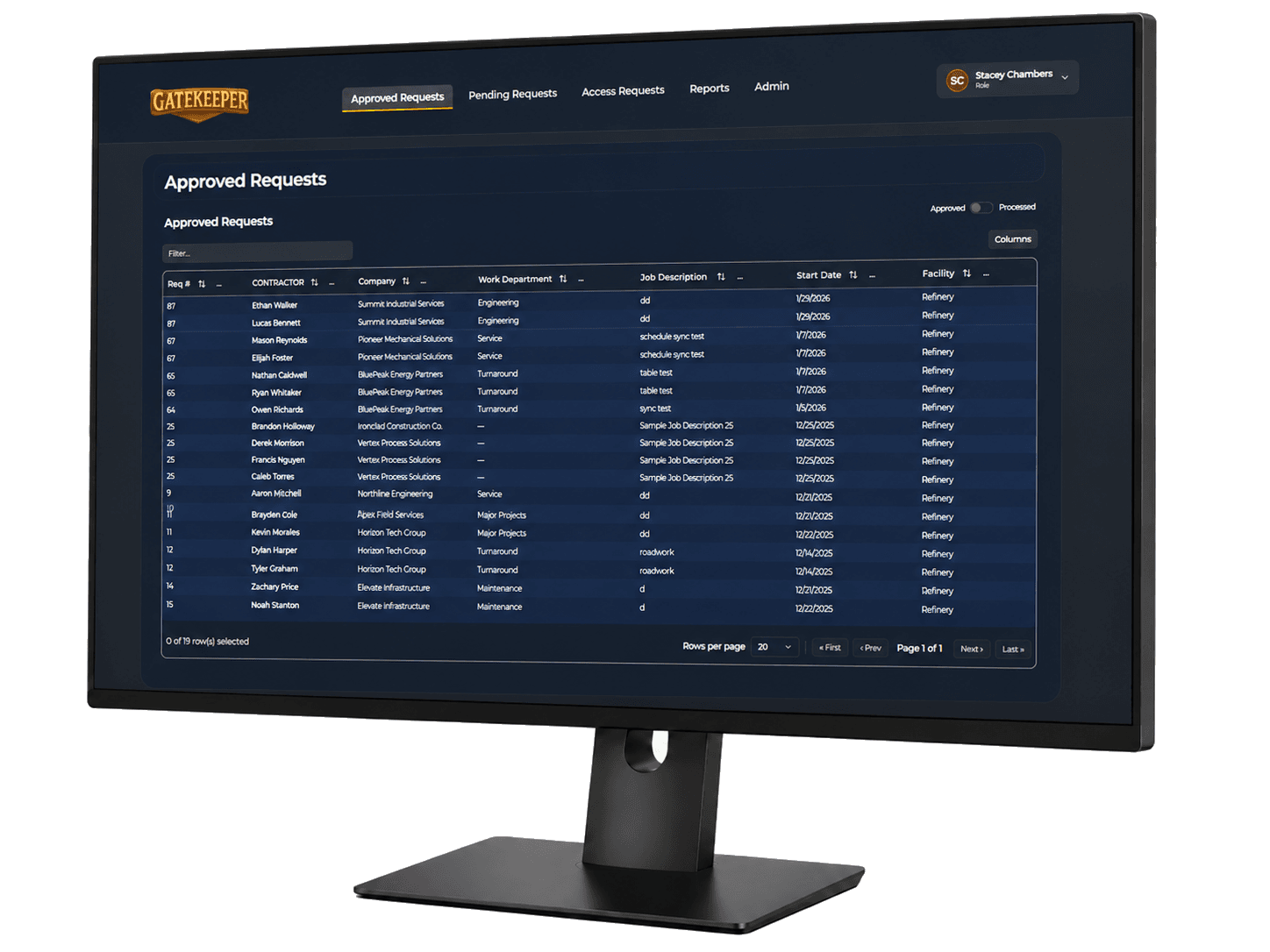
GateKeeper approved requests console

Approved Staging

Badge processing

Move approved work into badge issuance and update queues. Badge processors can work from approved requests without searching emails or exposing outside users to internal processing tools.

  • Stage approved requests for badge issuance
  • Track print and update activity
  • Keep processing inside the firewall
  • Separate outside submission from internal execution
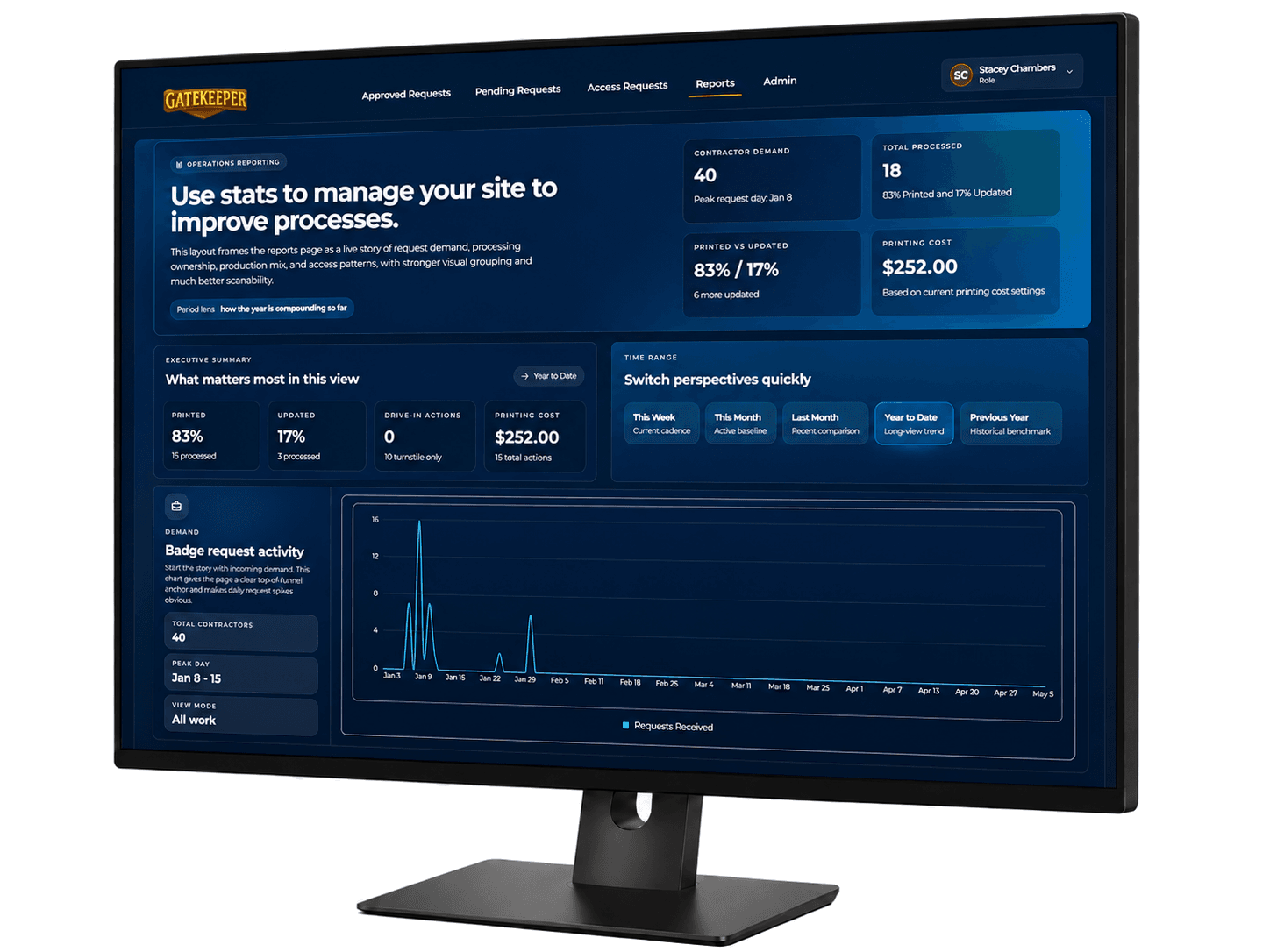
GateKeeper analytics console

Console Analytics

Audit layer

Keep approvals, processing, and workload visible. Analytics gives facility teams a reporting layer for workflow volume, approval patterns, processing throughput, and audit accountability.

  • Review workflow activity end to end
  • Support audit and governance review
  • Track processor workload and throughput
  • Understand where requests slow down

Ready to see GateKeeper in your facility?

Tell us about your access control system and your badge process, and we'll walk through the workflow.