GateKeeper logo: a bronze knight holding a key over a gate, in front of a castle

GateKeeper: Approved Requests

Badge processing, printing, and update queue. After a badge request is approved, it moves to the Approved Requests page where badge processors can print, issue, or update badges while maintaining a clear audit trail.

At a glance
  • Work only from validated requests
  • Keep printing and updates accountable
  • Separate approved work from pending and rejected work
  • Track completion after issuance or update

From approval to issuance

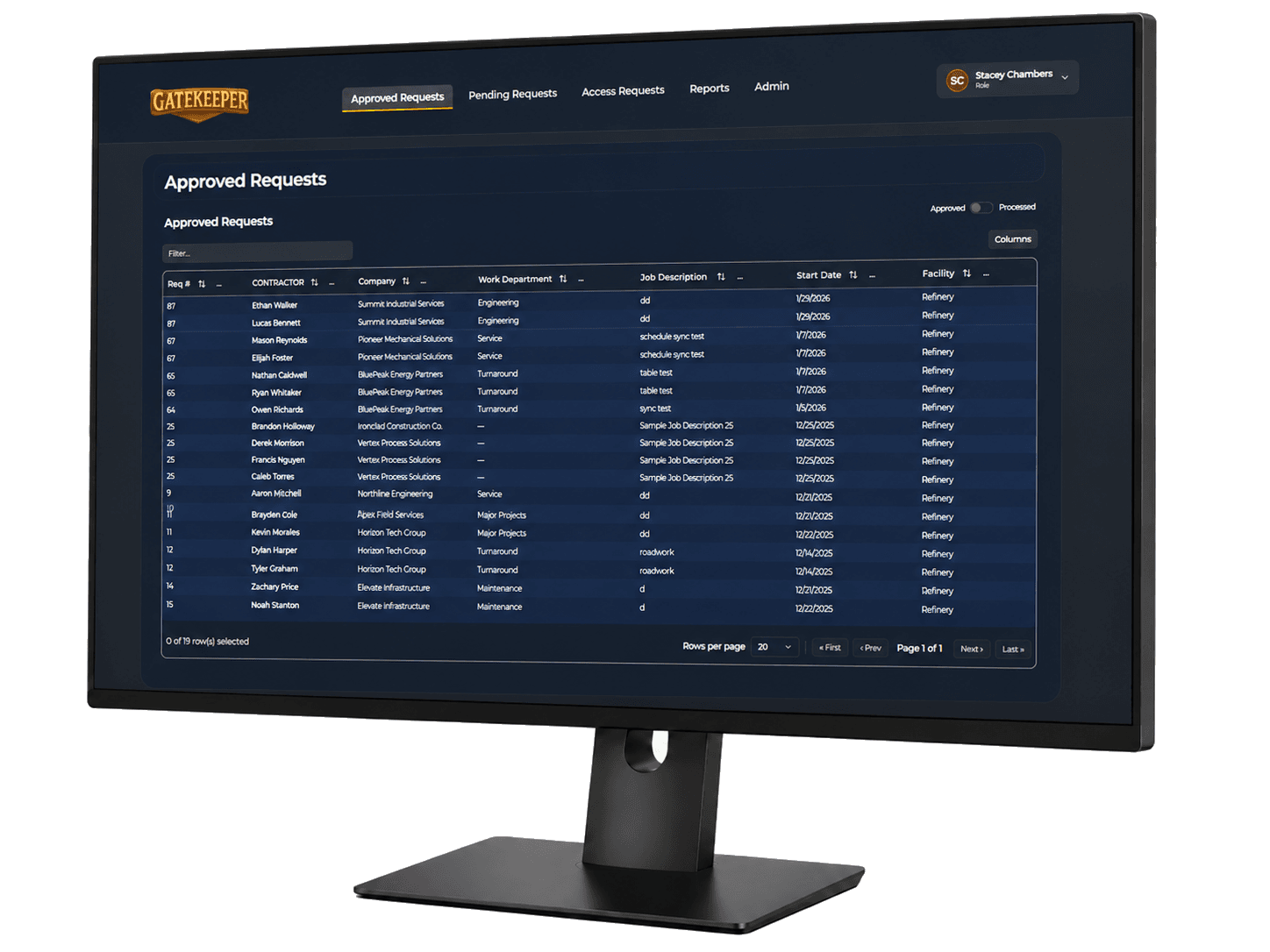
GateKeeper approved requests console

Approved processing queue

Approved requests

The approved queue keeps processors focused on work that has already passed review.

  • View requests approved for processing
  • See badges ready to print or update
  • Filter by company, request type, or status
  • Separate pending, rejected, approved, and completed work
  • Keep badge processors focused on validated requests

Complete status visibility

Approved requests

The queue makes it easier to understand what has been completed and what still needs action.

  • See approved requests
  • See rejected requests
  • See requests still pending
  • See completed badge actions
  • Give processors a clear view of operational workload

Use the approved queue to finish badge work with a clear audit trail.

The approved page is the point where facility staff turns decisions into issuance, printing, or updates without losing accountability.