GateKeeper logo: a bronze knight holding a key over a gate, in front of a castle

GateKeeper: Badge Request Workflow

Easy, fast, auditable badge requests. GateKeeper gives contractor companies a clear way to initiate badge requests, then routes each request to a designated facility approver with a complete audit trail.

How it works
  • Contractor company initiates the badge request
  • Designated facility approver reviews the request
  • Request, decision, and comments stay auditable

From request to audit trail

GateKeeper badge requests console on monitor

Badge Requests

Special access

Start badge requests from the contractor company. Contractor companies can initiate badge requests through a simple workflow that keeps the facility approval path clear, fast, and reviewable.

  • Initiate requests from the contractor company
  • Collect the details facility teams need
  • Keep badge request intake consistent
  • Move requests into approval without email handoffs
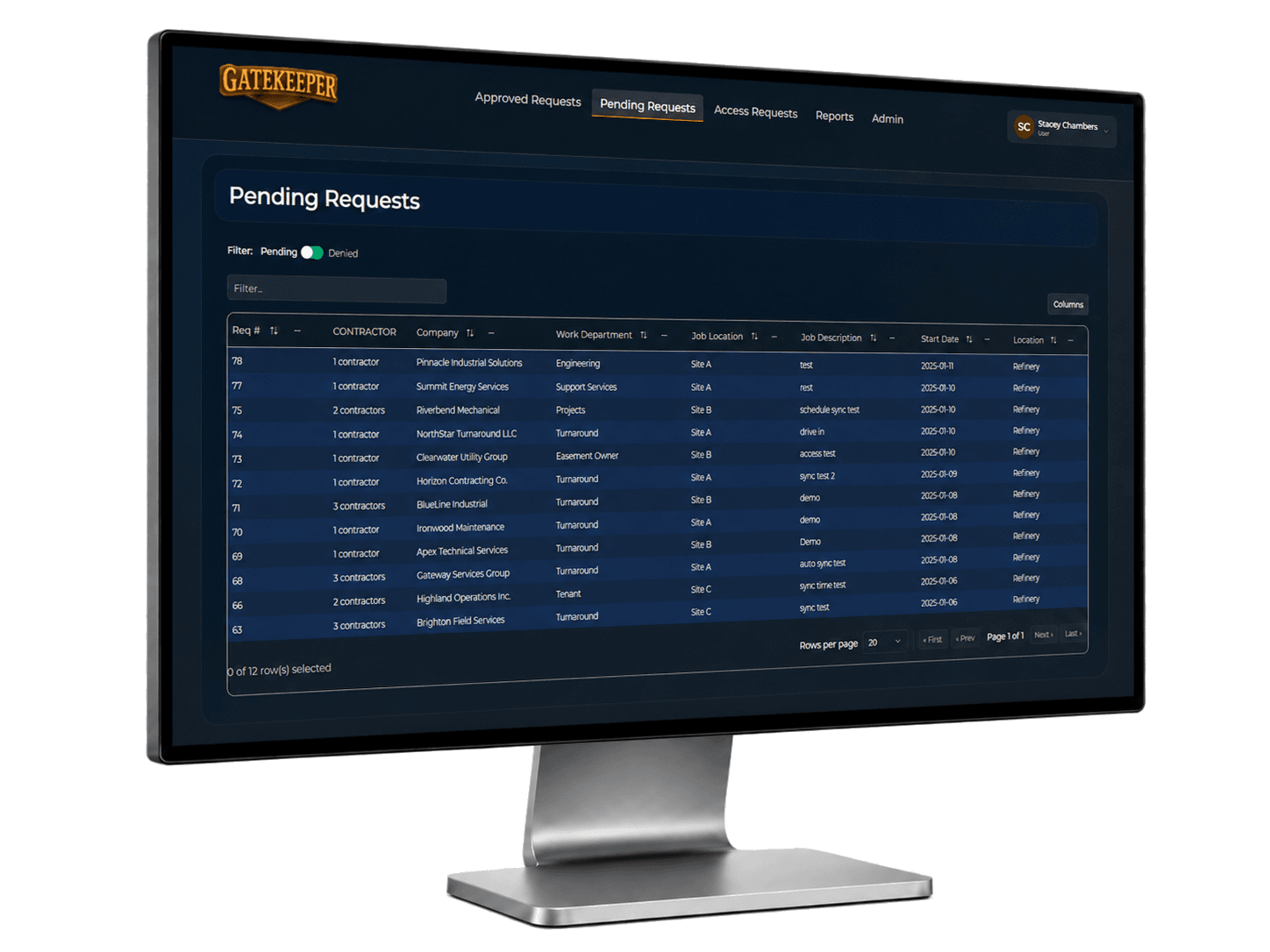
GateKeeper badge requests approval console

Facility Approval

Approval workflow

Preserve who asked, who approved, and why. Each badge request routes to a designated facility approver, giving managers and security teams a clear decision record instead of informal badge changes.

  • Route badge requests for facility approval
  • Capture which contractor company initiated the request
  • Capture who approved or rejected the request
  • Preserve comments and justification
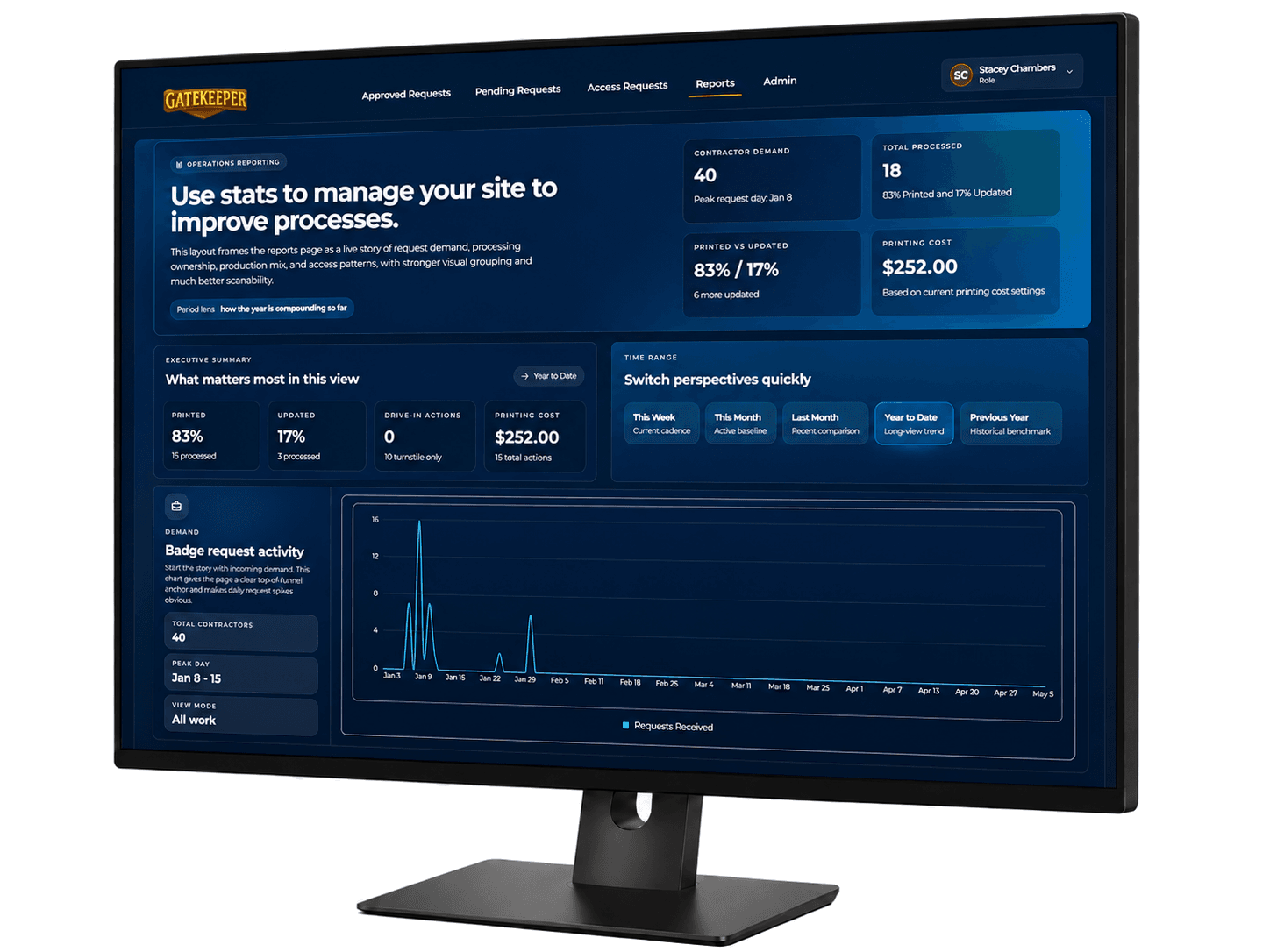
GateKeeper analytics reports monitor

Audit Trail

Controlled permissions

Keep badge decisions organized, visible, and reviewable. Badge request activity stays auditable from intake through approval, helping teams show who requested access, who approved it, and when each step happened.

  • Track request and approval history
  • Reduce undocumented badge changes
  • Improve visibility into pending and completed requests
  • Support audit review of badge request decisions

Ready to see GateKeeper in your facility?

Tell us about your access control system and your badge process, and we'll walk through the workflow.