GateKeeper logo: a bronze knight holding a key over a gate, in front of a castle

GateKeeper: Portal Dashboard

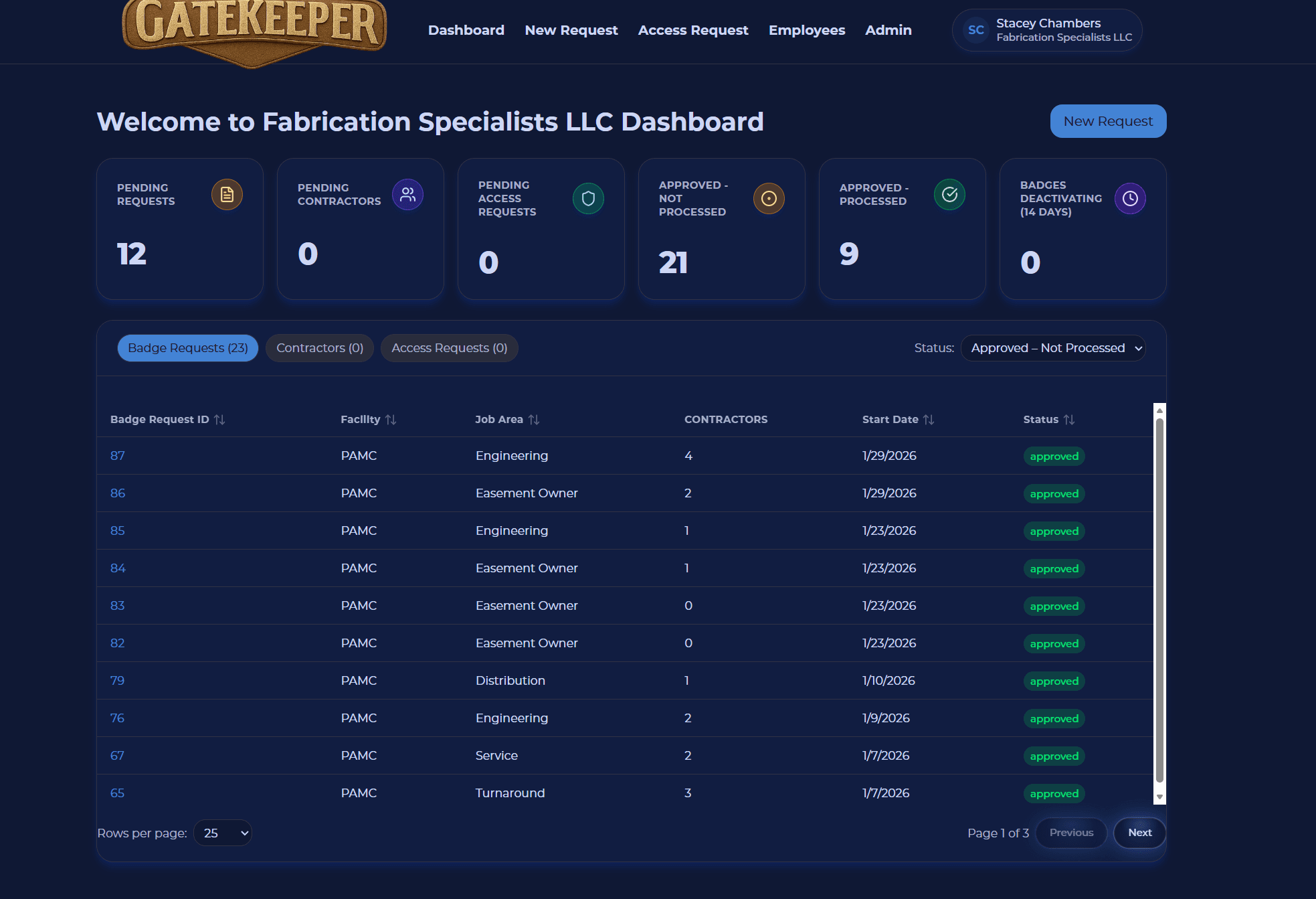
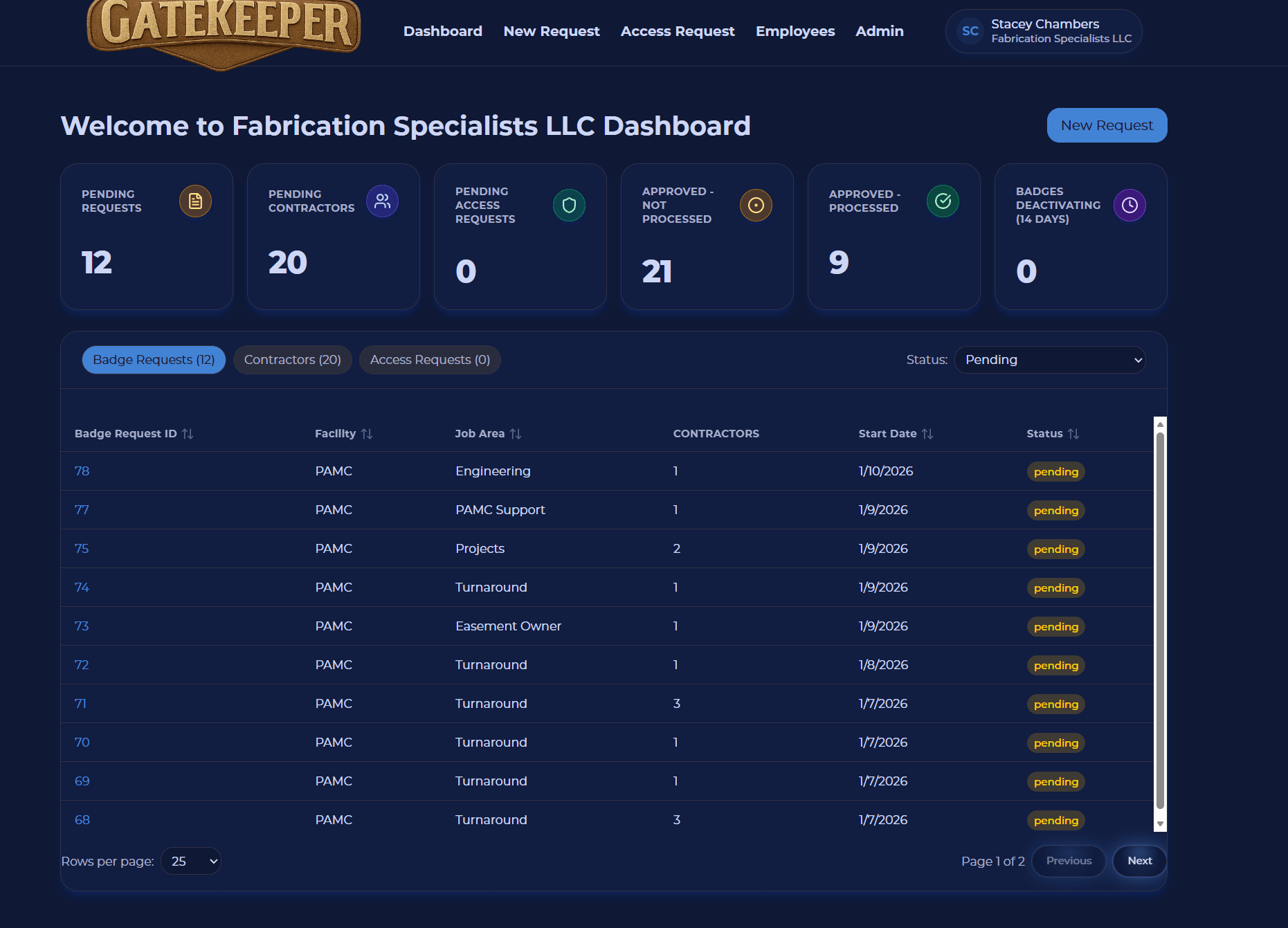
Quick reference for badge activity. The dashboard gives contractor companies a quick view of badge requests, request status, employee badge issues, and action items.

At a glance
  • See badge activity in one place
  • Spot requests that need action quickly
  • Reduce dependence on phone calls and email
  • Keep supervisors ahead of badge expiration risk

Quick snapshot of action items and requests

Placeholder for request status overview chart

Request status overview

Portal dashboard

The dashboard turns scattered status updates into a simple operational view.

  • View submitted badge requests
  • See pending approvals
  • See approved requests
  • See rejected requests
  • See requests that have been printed, issued, or updated
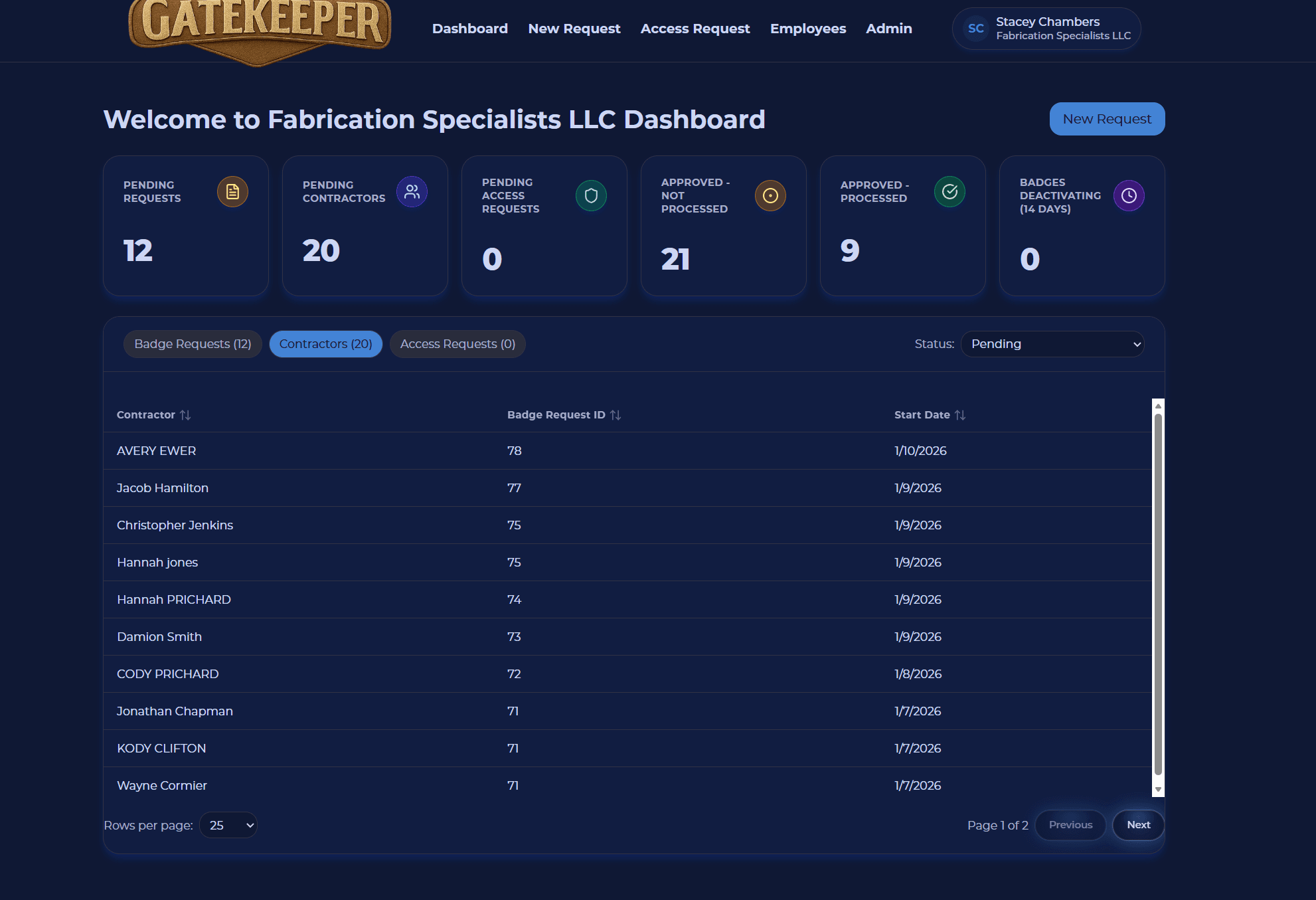
Placeholder for company action items panel

Track progress of inidividuals on requests

Portal dashboard

Action items help company users focus on the requests and workers that need attention now.

  • Identify badges nearing expiration
  • Review employees needing renewals
  • Track missing or incomplete request information
  • Quickly open requests that need attention
  • Reduce delays before employees arrive onsite
Placeholder for operational snapshot dashboard

Track Approvals

Portal dashboard

Quickly track what request still need approval so you can follow up

  • Centralized company badge activity
  • Faster visibility into request progress
  • Less dependency on phone calls or emails
  • Clearer coordination with facility badge processors
  • Better planning for upcoming work

Ready to see GateKeeper in your facility?

Tell us about your access control system and your badge process, and we'll walk through the workflow.